Add your feed to AppLovin
On this page
AppLovin dynamic product ads run from a catalog CSV in AppLovin's own template. The app builds that exact format, including its strict field rules.
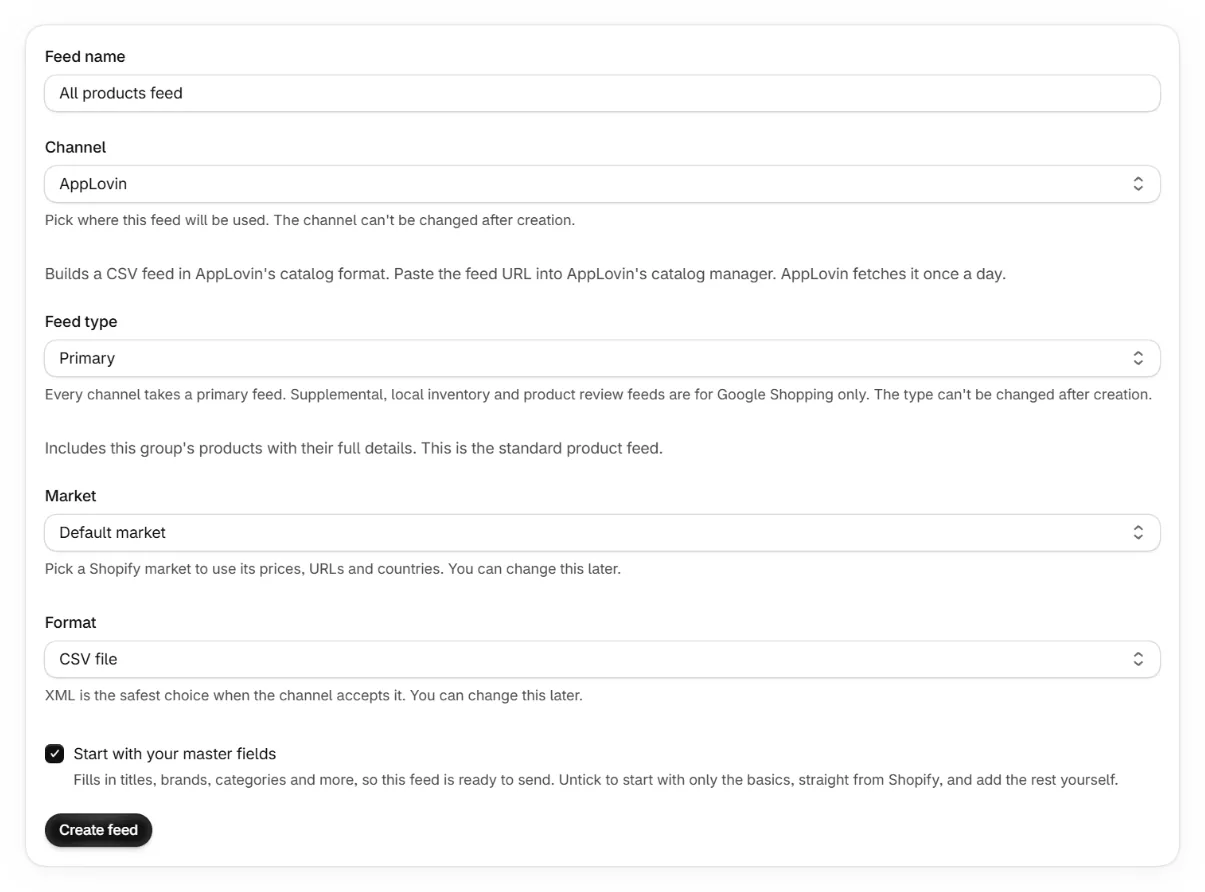
Create an AppLovin feed in the app
Pick AppLovin as the channel. The format is CSV only, matching AppLovin's template.
Register the URL in catalog manager
In AppLovin's catalog manager, add your feed URL as the product feed endpoint.
Wait for the daily pull
AppLovin fetches the CSV once per day. Catalog changes appear after the next pull.
AppLovin's format rules the app handles
- Columns use AppLovin's names, for example itemId, isAvailable and primaryImageUrl.
- No field may contain commas or line breaks. The app replaces them with spaces.
- Sale prices carry the mandatory salePriceStartDate and salePriceEndDate pair. The dates come from the product's sale price dates when it has them, else they run from today to its expiration, else 30 days. A sale whose dates have passed is left out.
- The category column needs the numeric Google category id. A category path is converted to its id when it matches Google's list exactly, and the run report names any that don't.
Keep reading
Was this page helpful?