Add your feed to Criteo
On this page
Criteo ingests Google format product feeds from a hosted URL. Registration usually runs through Criteo's platform or your Criteo account manager.
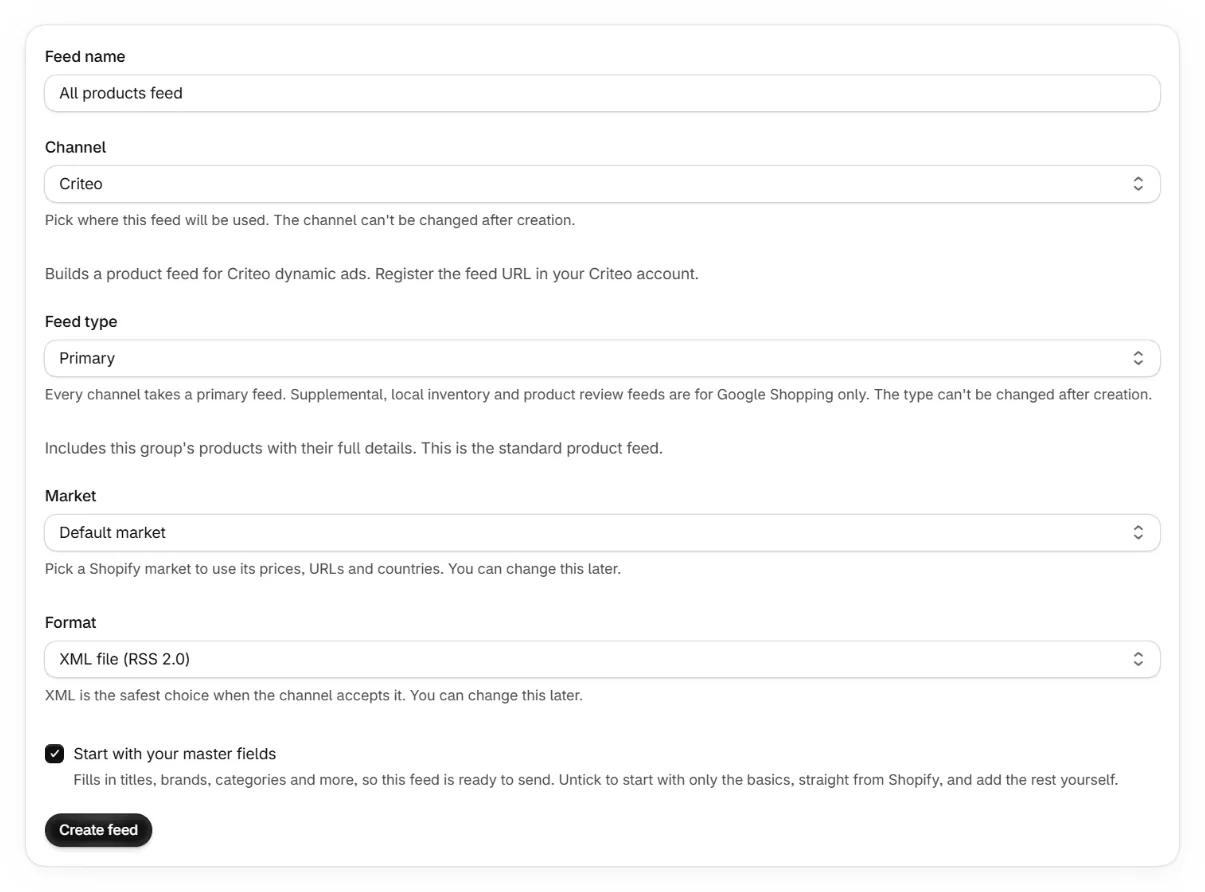
Create a Criteo feed in the app
Pick Criteo as the channel and copy the feed URL.
Register the URL with Criteo
In Criteo's Commerce Growth platform, add the feed under your catalog settings. On managed accounts, send the URL to your account manager instead.
Confirm the ingestion schedule
Criteo fetches the feed on a recurring schedule. Your catalog stays current automatically.
Keep reading
Was this page helpful?