Add your feed to Pinterest
On this page
Pinterest catalogs turn your products into Pins with live prices. Pinterest ingests your feed URL about once every 24 hours.
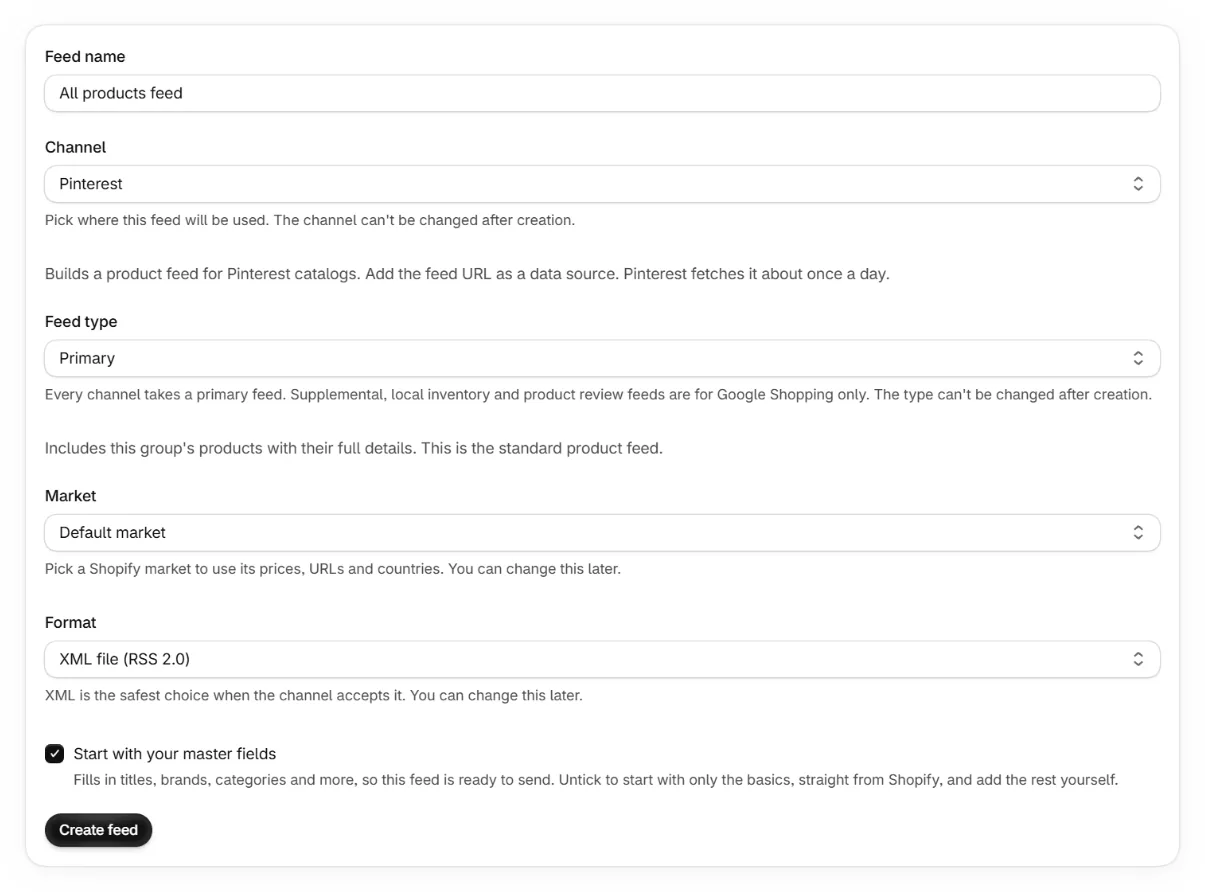
Create a Pinterest feed in the app
Pick Pinterest as the channel. The app formats enum values the way Pinterest expects, for example in stock with a space.
Claim your website
In Pinterest business settings, claim your store domain. Catalogs require a claimed website.
Add a data source
In the catalogs section, add the feed URL as a data source. Pick the file format matching your feed.
Wait for ingestion
Pinterest processes data sources about once a day. The ingestion report lists any rejected items.
Note. Pinterest lists google_product_category as optional, and says optional fields help it match your products to people. Set one in the Identifiers tab.
- Pinterest has no backorder status, so a product on backorder is sent as preorder. Both mean it can be ordered now and ships later.
- Sale price dates are sent in the full date and time format Pinterest reads.
- Excluded destinations on the Target tab reach Pinterest as shopping ads and free listings. It has no other destinations to leave.
Keep reading
Was this page helpful?