Feeds for Shopify Markets
On this page
Shopify Markets gives each region its own prices, URLs and translations. A feed set to a market carries all three, so shoppers in that region see accurate listings.
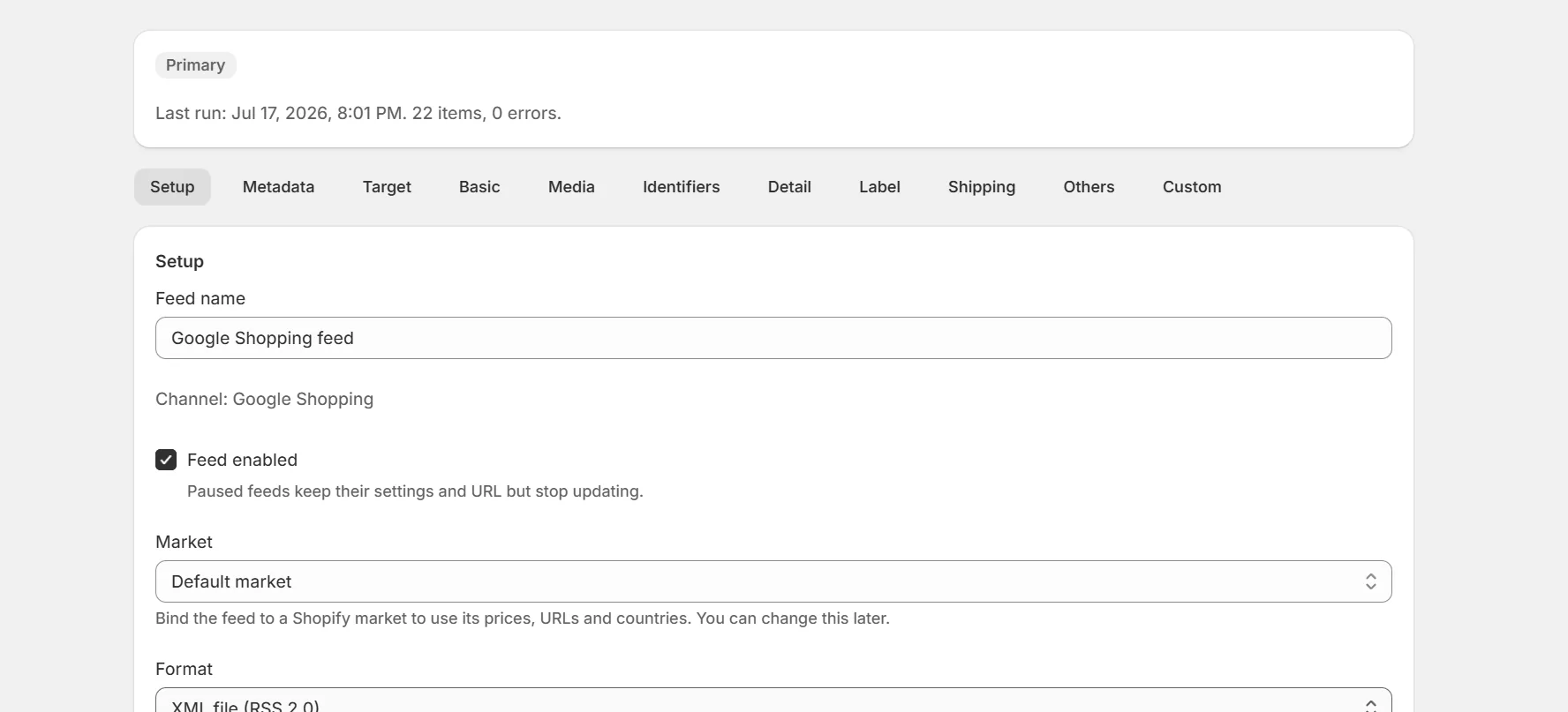
Pick a market when creating the feed
Or change the market later in the Setup tab.
The feed inherits market data
Prices use the market's currency and adjustments. Links point at the market URL. Translated titles and descriptions are used when available.
Register it as its own feed
Each market feed has its own URL. Register it in the channel's account for that country.
Note. Market feeds count like any other feed. Plans with more feeds cover more markets.
Only web markets appear as choices. Point of sale and B2B markets have no public storefront to link to.
Keep reading
Was this page helpful?