Control out of stock and unpublished products
Out of stock products
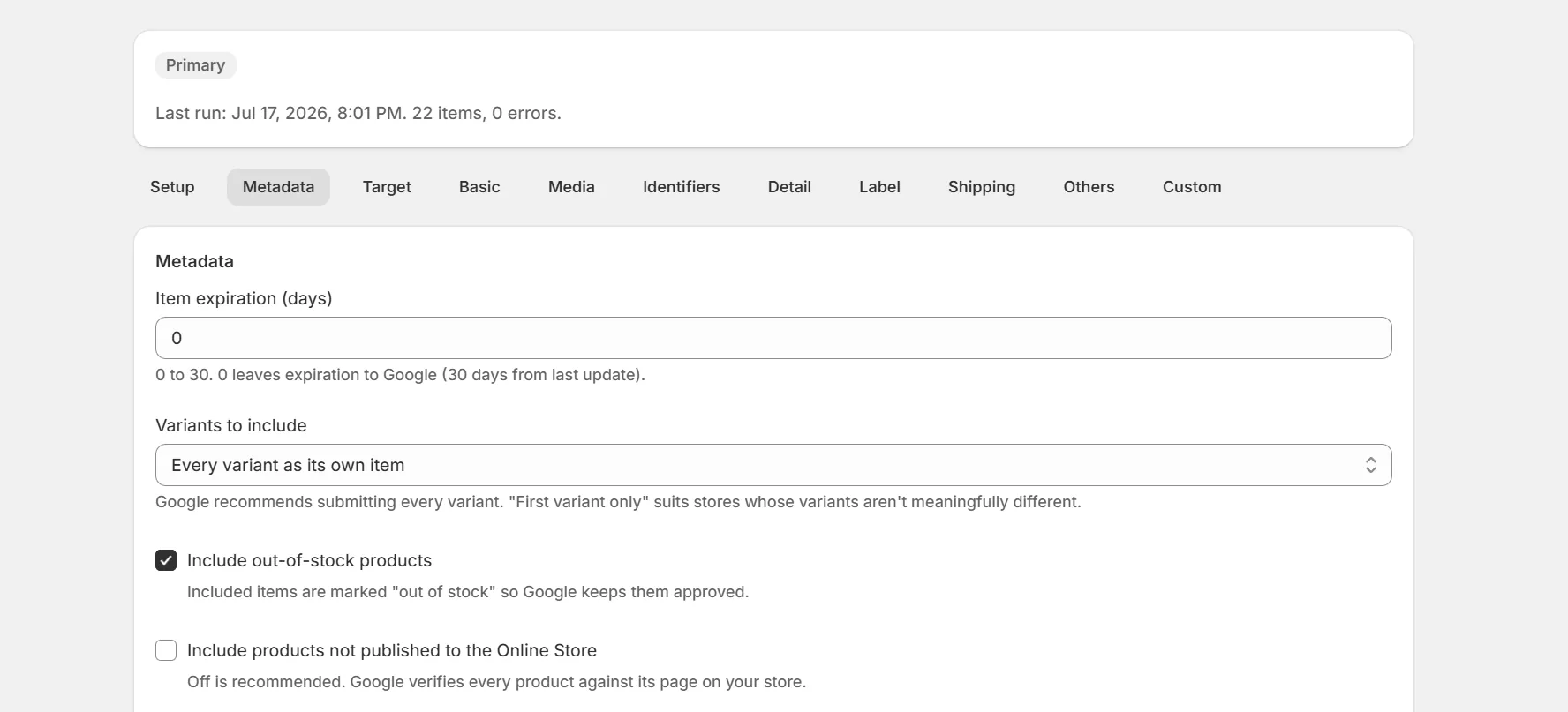
By default, items with zero available inventory stay in the feed and carry an out of stock label. Keeping them listed avoids churn in Merchant Center and re-reviews when they restock. To drop them from the feed instead, turn off the include out of stock setting in the Metadata tab. A product that a rule or override sends as preorder or backorder stays in either way.
Unpublished products
Products must be published to your online store to enter a feed. Draft and archived products, and products removed from the online store channel, are excluded. Unlisted products are sent like active ones. Exclude one on the Products page to keep it off a feed. Password protected stores are fine. The check uses publish status, not whether Google can see the page.
Variants
Each variant is its own item with its own availability. The variant mode setting can limit feeds to the first variant per product if you prefer one item per product.
Keep reading
Was this page helpful?