Products missing from your feed
A product enters a feed only when every inclusion rule passes. Work down this list to find which one filters it out.
The inclusion rules
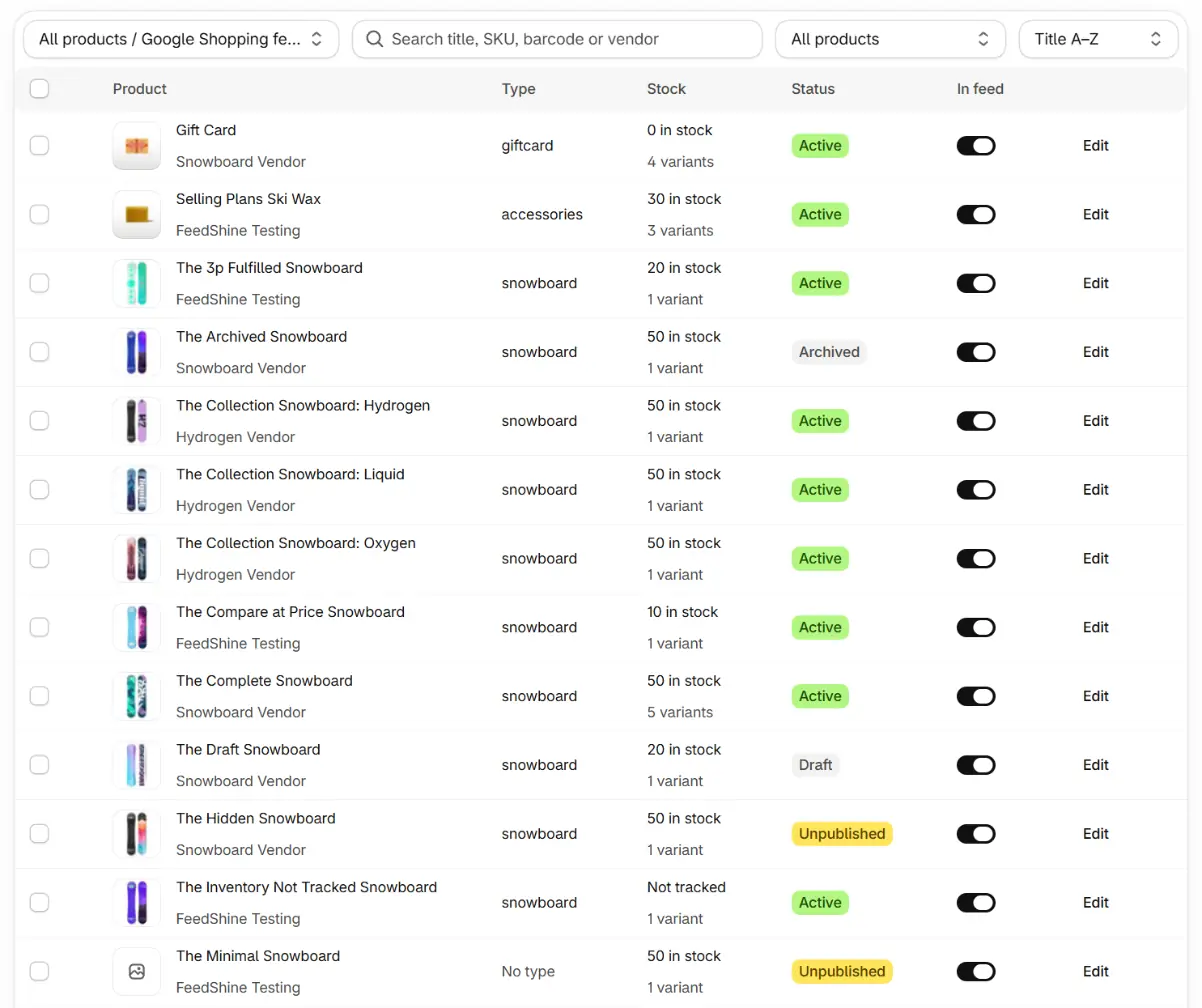
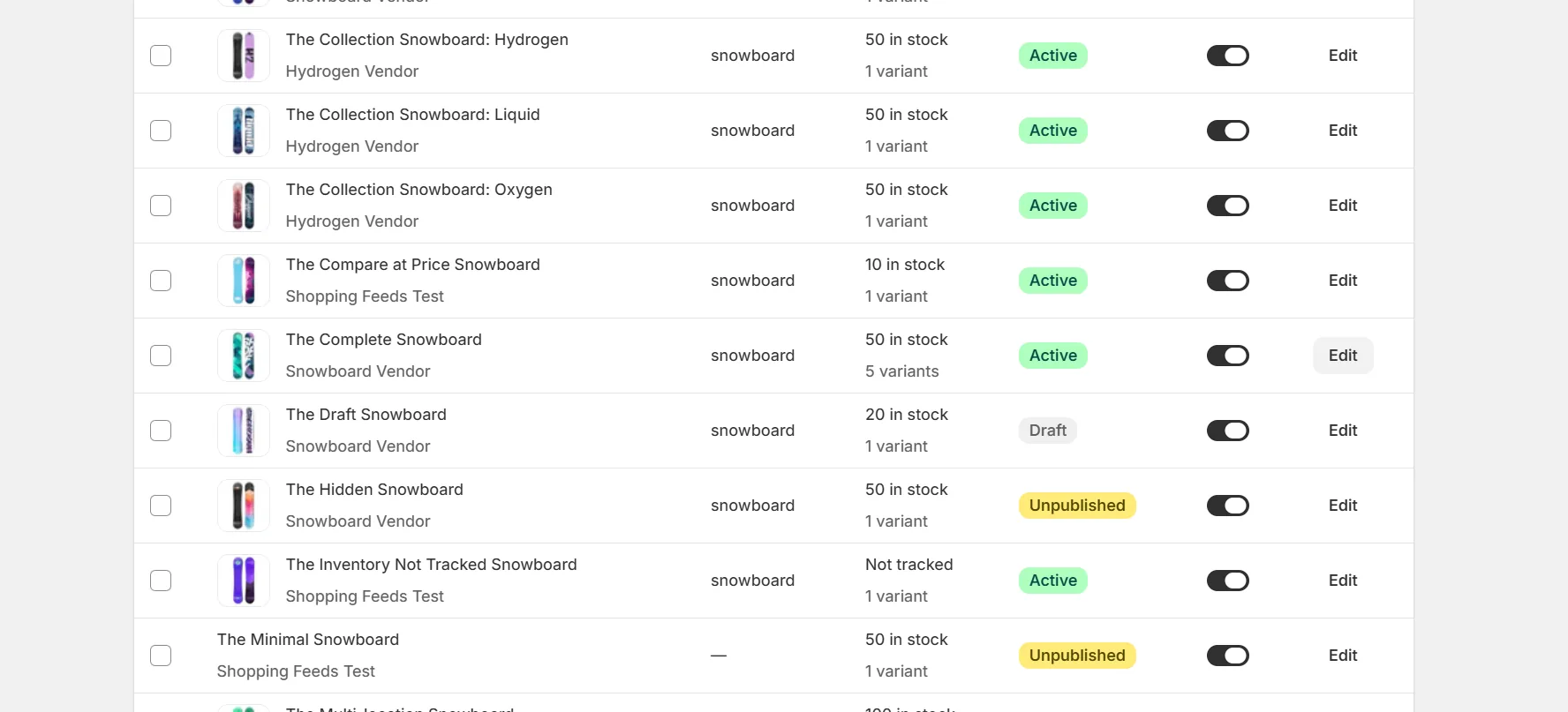
- Published to the online store. Draft, archived and channel removed products are excluded. Unlisted products are sent.
- In the feed's product group. If the group is limited to collections, the product must be in one of them.
- In stock, only if you turned the include out of stock setting off. By default out of stock products stay in the feed. A product that a rule or override sends as preorder or backorder counts as in stock.
- Not excluded on the Products page. Check the product's switch for this feed. A switch that is off and greyed out means the product is Excluded from all feeds, which no single feed can undo. Set Apply to to All feeds and include it there.
- Valid for the channel. Items missing required values, like a price, are skipped and counted in the run's excluded totals.
Use the preview
Open the product from the Products page and preview it against the feed. The preview says whether the product is in the feed's group and shows its exact items or the exclusion reason.
Keep reading
Was this page helpful?