Edit single products and preview
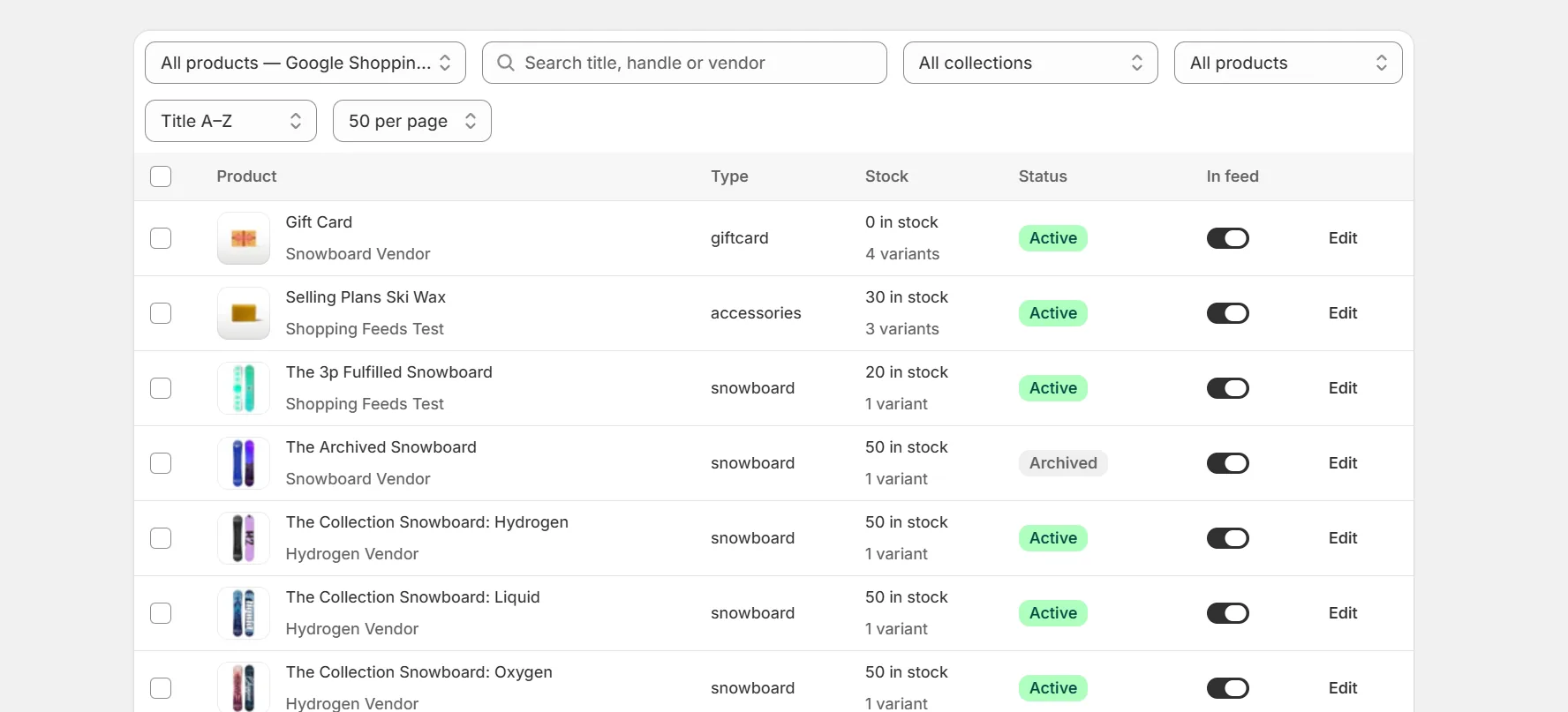
Feed level settings apply to every product. The Products page adds per product control on top, for one feed or for every feed at once.
Include or exclude products
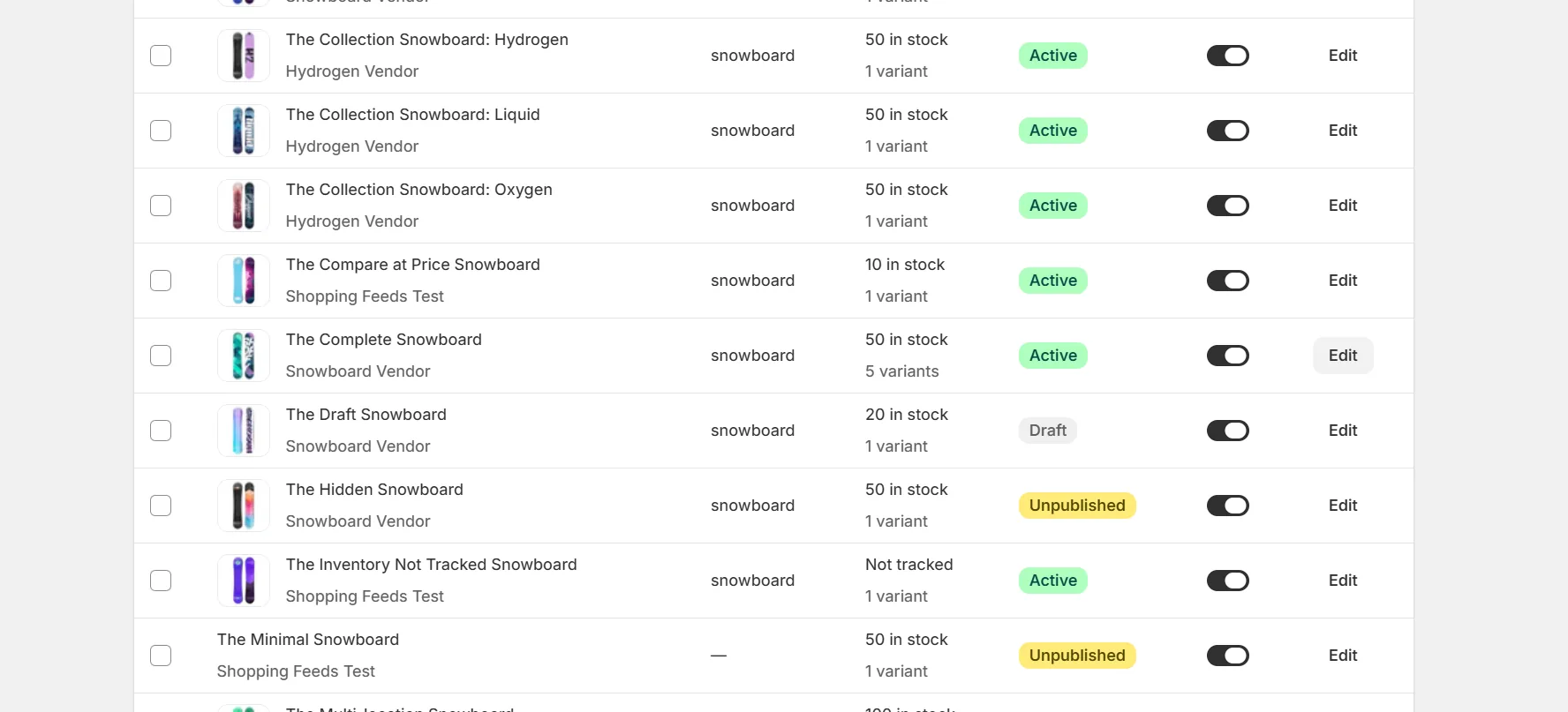
Each product row has a switch for the selected feed. Turning it off removes the product from that feed only. Bulk actions handle many products at once, and Exclude from all feeds drops the selected products from every feed in one step.
A product excluded from all feeds shows Excluded from all feeds on its row, and its per feed switch is locked. Use Include in all feeds to bring it back. A feed can exclude a product on its own, but it cannot re-include one the store excluded.
Override attributes per product
Open a product to override any attribute for one item. A common use is a hand written title for a bestseller, or a corrected GTIN.
The Apply to choice at the top of the panel decides where the override lands. All feeds writes it once and every feed sends it. This feed only keeps it to the selected feed, and a feed's own value wins over the all feeds value for that attribute. Rows carry a Customized badge for all feeds overrides and Customized for this feed for feed specific ones.
Preview the real output
The preview shows the exact attribute values that will be in the generated file, after settings, market data and overrides are applied. What you see is what the channel gets.
- Each item lists the attributes that have a value, and its heading counts how many are set. A required attribute without a value still appears as (not set), with a warning.
- Each item is labeled with its variant. The label uses the SKU or the option values, so you can tell variants apart.
- Products with many variants page through 10 items at a time.
- In the feed editor, the preview has a product search. Search by title, SKU or barcode to see the exact output for one product.
- The search on the Products page also matches SKU and barcode.
Keep reading
Was this page helpful?