Add your feed to ChatGPT
OpenAI lets stores send ChatGPT a product feed in its own format. A ChatGPT feed in the app is built in that format.
What Shopify already sends
OpenAI says Shopify stores are already connected to ChatGPT shopping, with nothing to set up. Send your own feed when you want to choose the titles, descriptions and products OpenAI gets.
Submit your feed
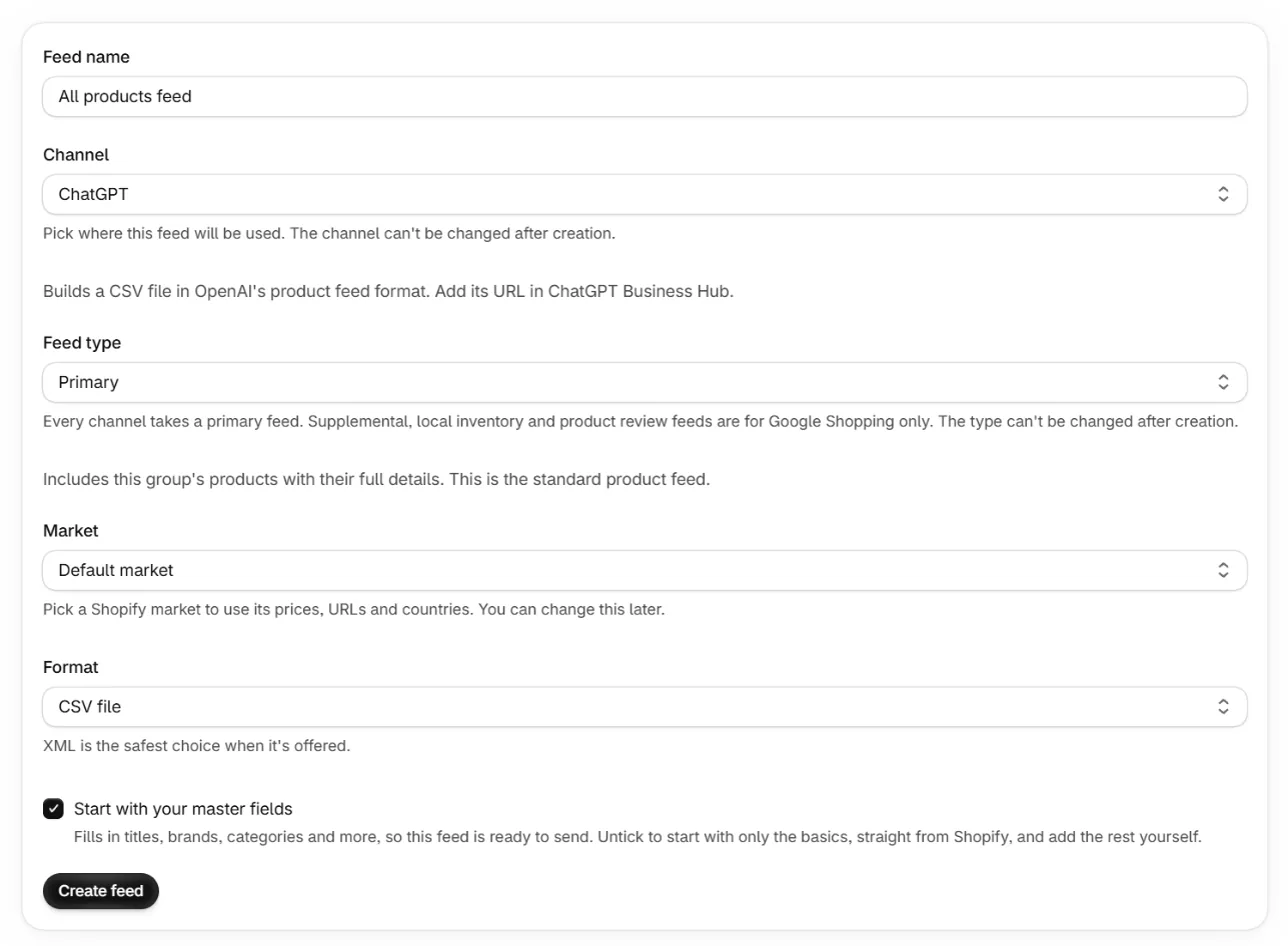
Create a ChatGPT feed in the app
Pick ChatGPT as the channel. The format is CSV. Copy the feed URL from the feed page.
Apply as a merchant
Apply at chatgpt.com/merchants. The form asks for your store URL, main category and catalog size.
Claim and verify your business
In ChatGPT Business Hub, claim your business and verify your identity. OpenAI requires both before you can upload products.
Add the feed URL
Choose the countries and currencies you sell in. Then pick a hosted URL as the delivery method and paste the feed URL from the app.
Review the upload
OpenAI lists any rows it could not accept. Fix them in the feed editor, and the next file includes the fix.
What's in the file
- Each variant is one row with its own item_id, url, image_url, availability and price.
- Every row has your store name in seller_name, the feed's country in target_countries and your store's country in store_country.
- Variants of one product share a group_id. Their Shopify options, like Color and Size, go in variant_dict.
- Availability uses OpenAI's values, such as in_stock and pre_order.
- A sale price is only sent when it is below the regular price, as OpenAI requires.
- Brand is required. It comes from the product's vendor unless you set another value.
Note. OpenAI's spec has more optional columns, like is_eligible_checkout. Add one as a custom field with exactly the same name, and it becomes a column in the file.
Where it's available
OpenAI says ChatGPT shopping is live in the United States, and product feeds target the US for now. Prices in the file use the currency of the feed's market.
Keep reading
Was this page helpful?