Add your feed to a Meta catalog
On this page
Meta Commerce Manager ingests scheduled data feeds for Facebook and Instagram catalog ads. Meta accepts the Google feed format, so your feed works without conversion.
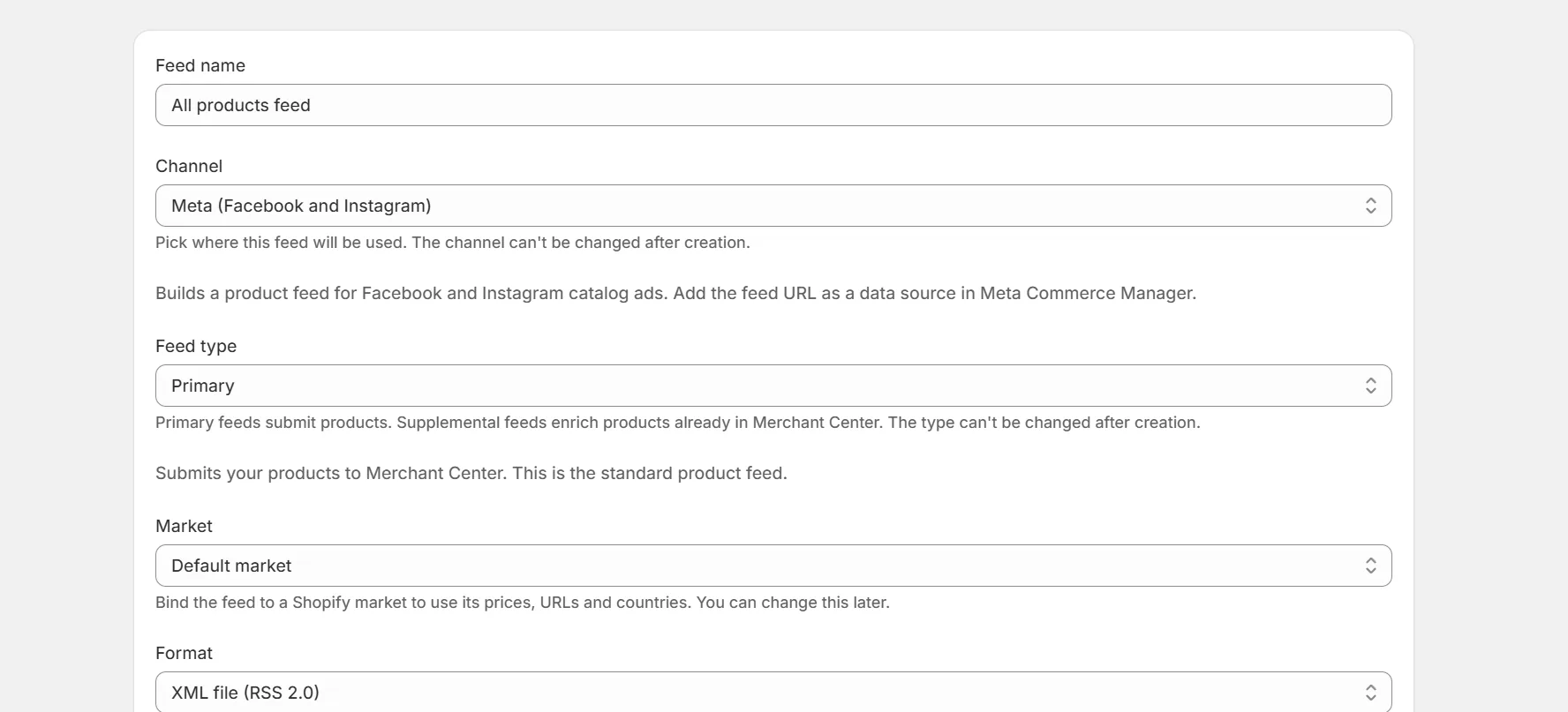
Create a Meta feed in the app
Pick Meta as the channel when creating the feed. Copy the feed URL from the feed page.
Open Commerce Manager
Go to your catalog, then data sources. Choose data feed and pick scheduled feed.
Paste the URL and set a schedule
Hourly or daily both work. Meta refetches the URL on that schedule.
Check the ingestion report
Meta shows accepted and rejected items per fetch. Fix rejections in the feed editor.
Note. Meta reads google_product_category. Setting one in the Identifiers tab improves distribution across Meta surfaces.
Keep reading
Was this page helpful?