Add your feed to Microsoft Merchant Center
On this page
Microsoft Merchant Center powers Shopping campaigns and free listings on Bing. It accepts the Google feed specification as is.
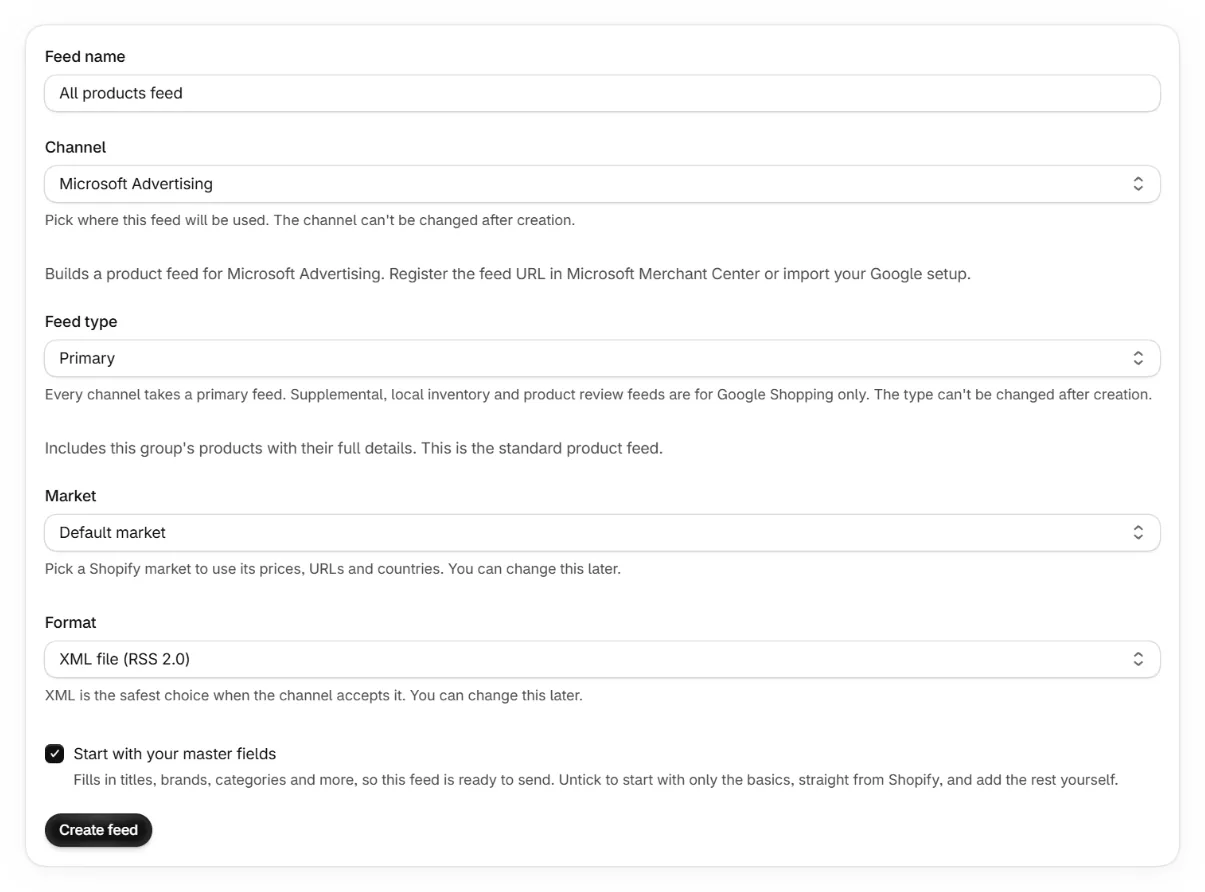
Create a Microsoft feed in the app
Pick Microsoft as the channel and copy the feed URL.
Create a store in Microsoft Merchant Center
Inside Microsoft Advertising, open Merchant Center and create a store for your domain. Domain verification runs through Microsoft's UET tag or site verification.
Add a feed with the URL
Choose to schedule a download from a URL and paste your feed URL. Set a daily fetch.
The Google import shortcut
Microsoft can import your Google Merchant Center products and settings directly. This is the fastest start if your Google feed is already live and you want identical content. A separate Microsoft feed is better when you want different titles, labels or product selections per channel.
Keep reading
Was this page helpful?