Register your feed in Google Merchant Center
On this page
Google Merchant Center needs to know where your product data lives. You can hand it the feed URL, let the app register it for you, or skip files entirely with direct API push.
Option 1. Let the app register the feed
With Google connected and a merchant account linked, open the feed and click Register. The app creates the data source in Merchant Center pointing at your feed URL, and nudges Google to fetch fresh files after each update.
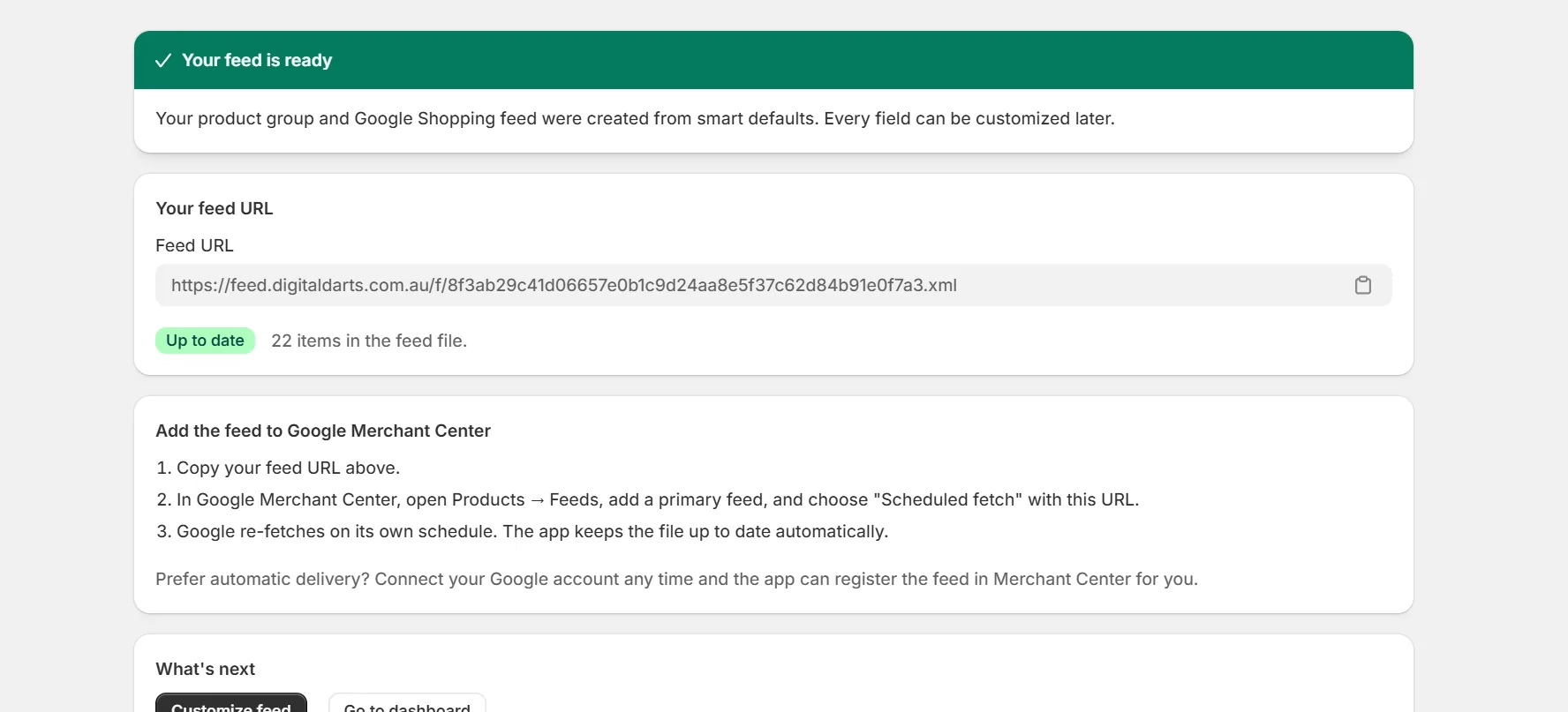
Option 2. Register the URL manually
Copy the feed URL
From the feed page in the app.
Add a data source in Merchant Center
Under data sources, choose to add products from a file using a link, and paste the URL.
Set a daily fetch
Pick a fetch time. Google refetches the file on that schedule.
Option 3. Direct API push
Feeds in API format skip files. The app pushes each product to Merchant Center through the Merchant API and shows per item statuses. Only changed items are sent, so updates are fast.
Warning. One product source per merchant account is the clean setup. Running the same products from two sources can create conflicting items in Merchant Center.
Keep reading
Was this page helpful?