Add your feed to Snapchat
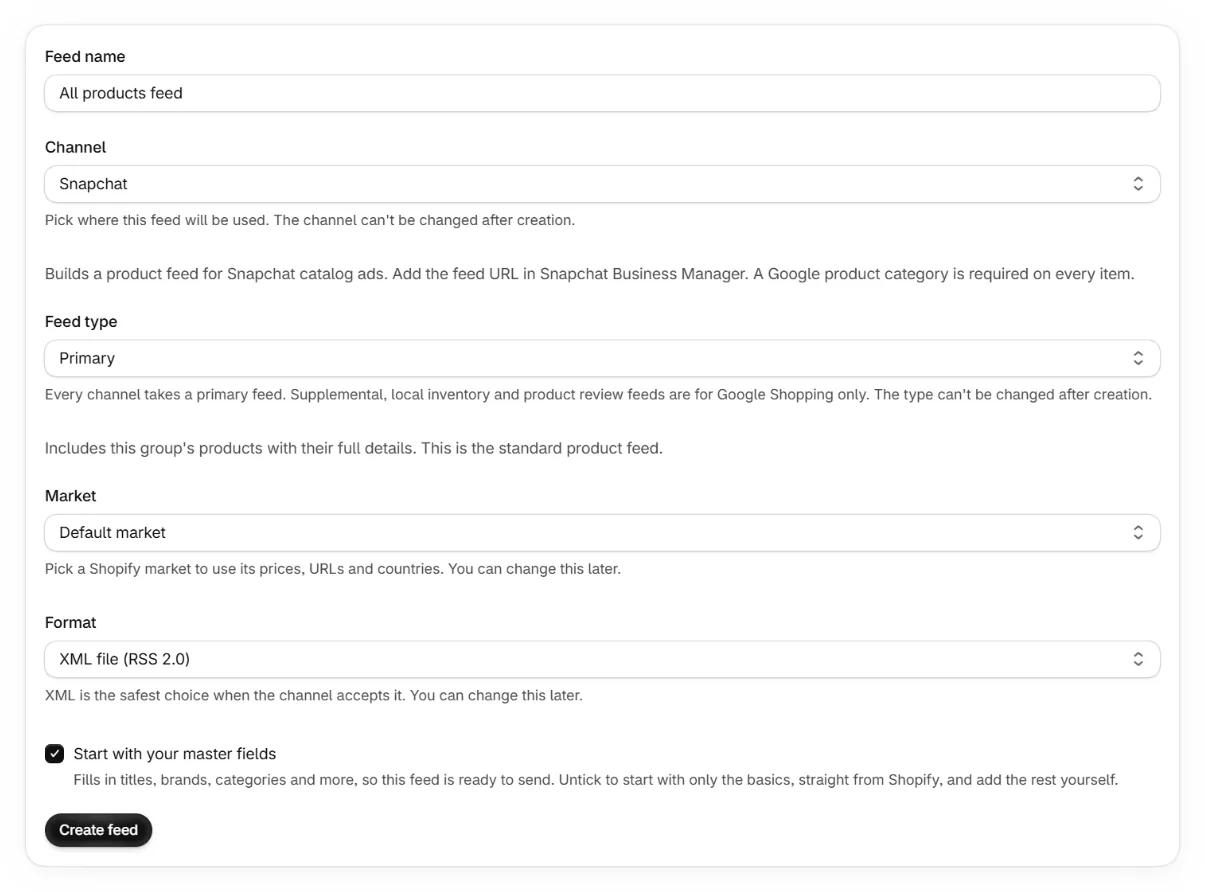
Snapchat dynamic ads run from a product catalog in Snapchat Business Manager. Snapchat uses the Google product taxonomy and requires a category on every item.
Set a product category
In the app's feed editor, open the Identifiers tab and set a Google product category. Snapchat rejects items without one, and the editor warns you if it is empty.
Create a catalog in Business Manager
Under catalogs, create a new catalog for your store.
Add the feed URL
Add a product feed, paste your feed URL and set an hourly or daily refresh. Basic authentication is supported if your feed has a password.
Keep reading
Was this page helpful?