Add your feed to TikTok
On this page
TikTok catalogs power video shopping ads and dynamic formats. TikTok items are keyed on sku_id, which the app maps from your Shopify variants automatically.
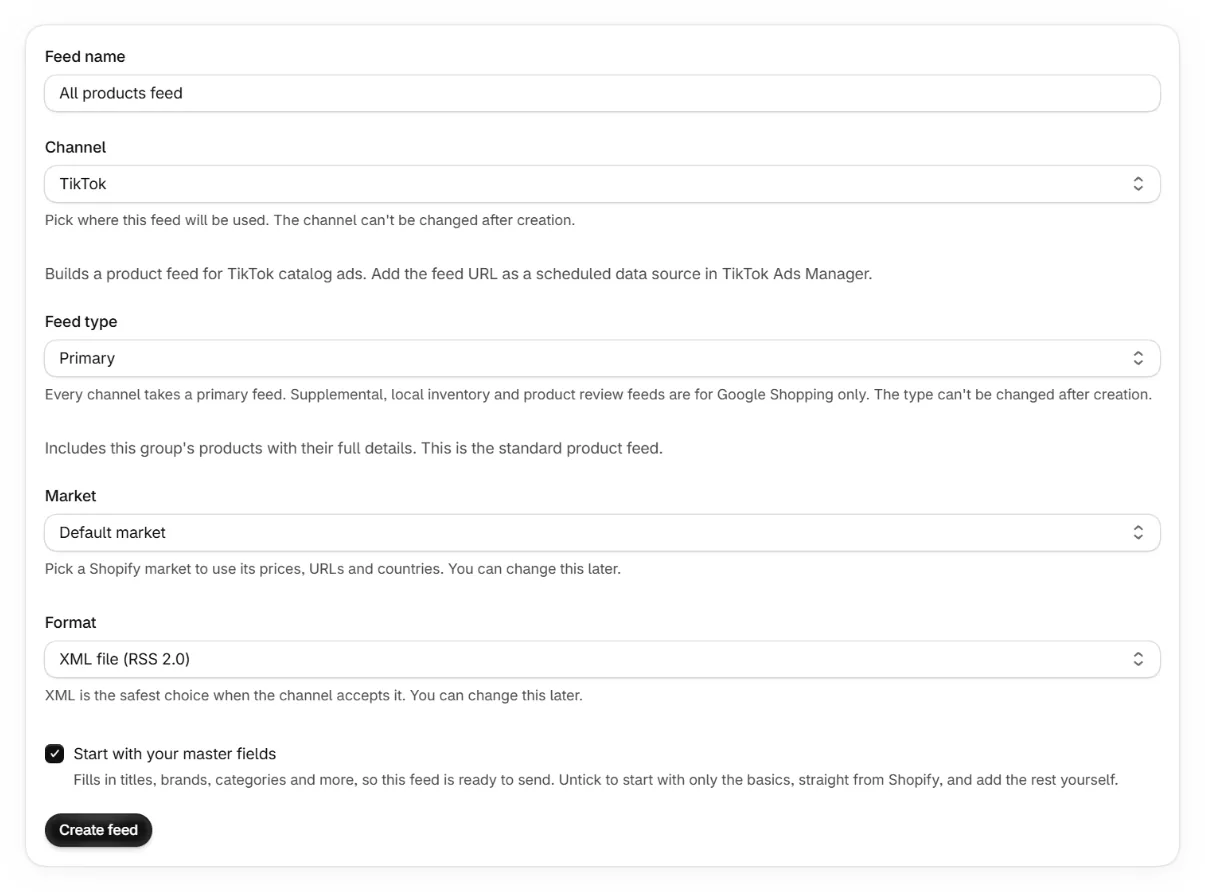
Create a TikTok feed in the app
Pick TikTok as the channel and copy the feed URL.
Open TikTok Ads Manager
Go to assets, then catalogs. Create a catalog for your store's region and currency.
Add a scheduled data source
Choose data feed schedule, paste the feed URL and pick how often TikTok fetches it.
Review the sync log
TikTok reports accepted and rejected items per sync. Prices must include the currency code, which the app already emits.
Keep reading
Was this page helpful?