Use feeds without a Google account
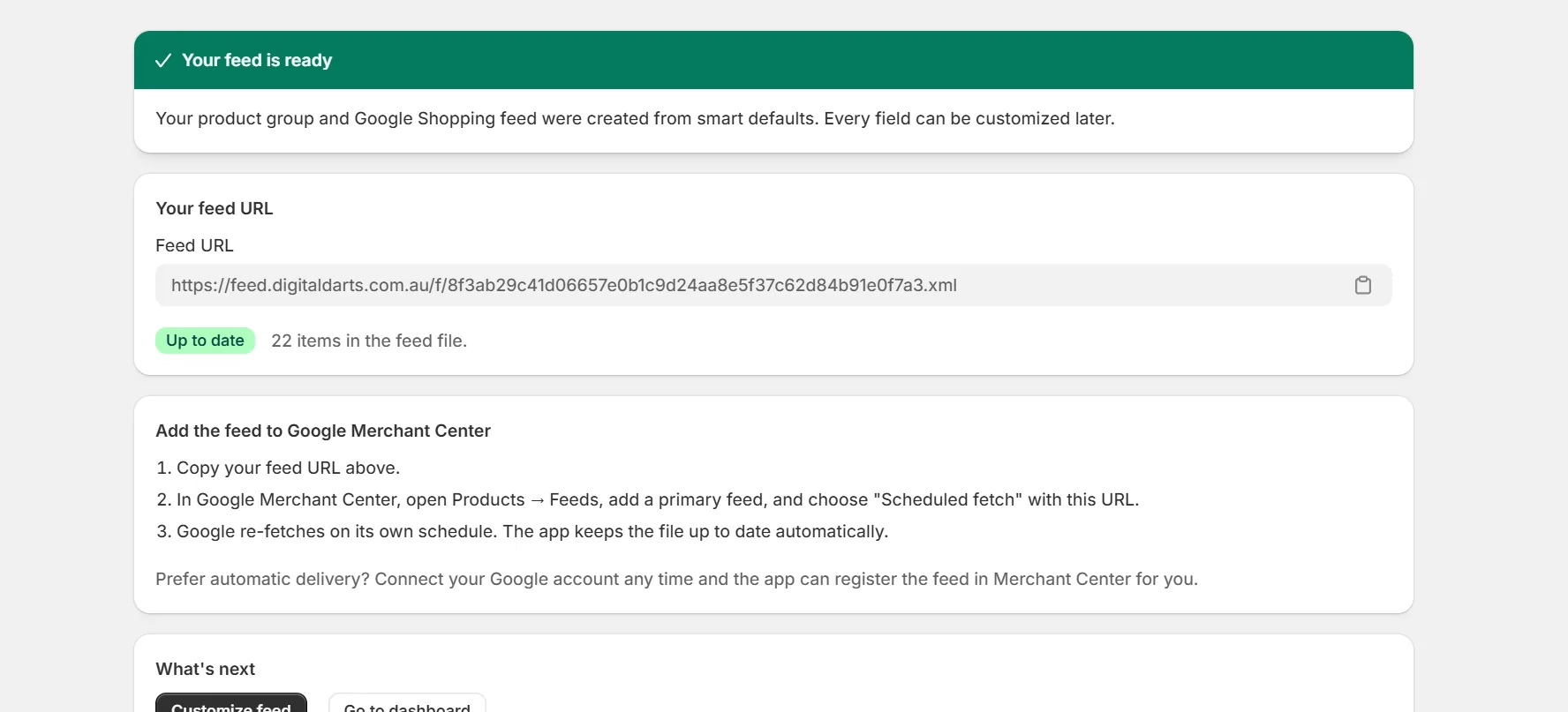
You do not need to connect Google or any other account to use this app. Every file feed is served at a stable URL you can register anywhere feeds are accepted.
How file feeds work
- Each feed gets a secret URL. Anyone with the URL can read the feed, so treat it like a password.
- The file regenerates when you save changes, on a daily schedule, and after catalog changes on paid plans.
- Channels fetch the URL on their own schedule. You set that schedule in the channel's catalog tool.
- Formats include XML, TSV and CSV depending on the channel.
- New feeds turn on gzip compression automatically when your catalog has 1,000 products or more. The feed URL then ends in .gz and channels fetch it faster.
Manual registration
Copy the feed URL from the feed page. Then follow the registration guide for your channel, for example Google Merchant Center or Meta.
Note. Plans with feed passwords can add basic authentication to the URL for channels that support it.
Keep reading
Was this page helpful?